Changing Membership Levels
Membership Overview
There are 4 WarehouseTWO Memberships available for distributors. With each tier, there are additional premium features available such as broadcast requests, posting inventory for sale, Web Market, customizable notifications, portal users, and API access.
Change Membership Levels
-
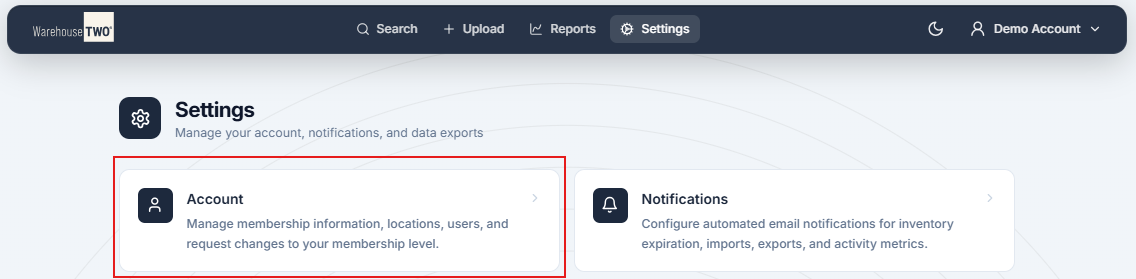
Click on “Settings” in the toolbar at the top of the page.

-
Click on “Account” to load the account settings.
-
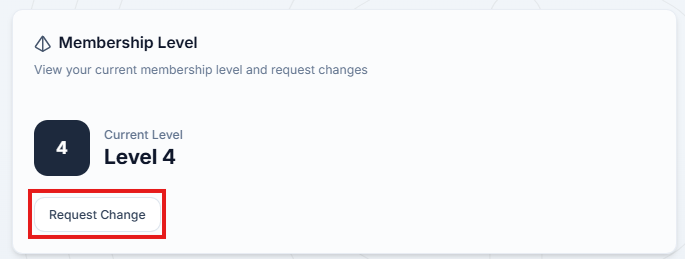
Click on “Request Change” in the Membership Level box.
-
In the pop-up, review the different membership levels and the premium features available for each level.
-
Select your desired level of membership and click “Submit Change Request” at the bottom of the pop-up.