WarehouseTWO allows users to find items posted by other members using a robust search utility. Products can be found primarily by searching for the Item Numbers or Item Descriptions assigned to the uploaded products. Search options are available to help refine the results WarehouseTWO returns along with a Broadcast feature to extend reach outside of the application.
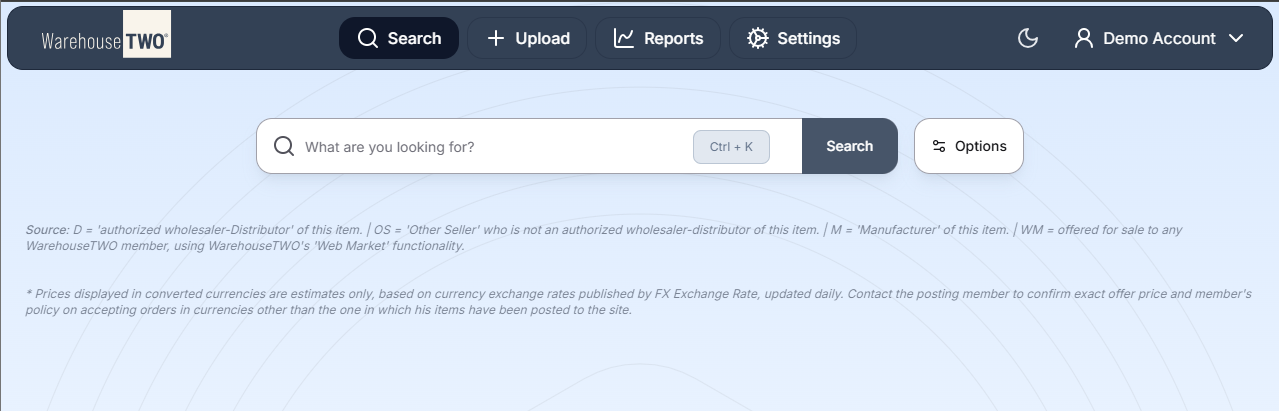
The Search Bar
The Search Bar is the primary tool used to find and engage with the products that our Members have uploaded to WarehouseTWO
Search Options
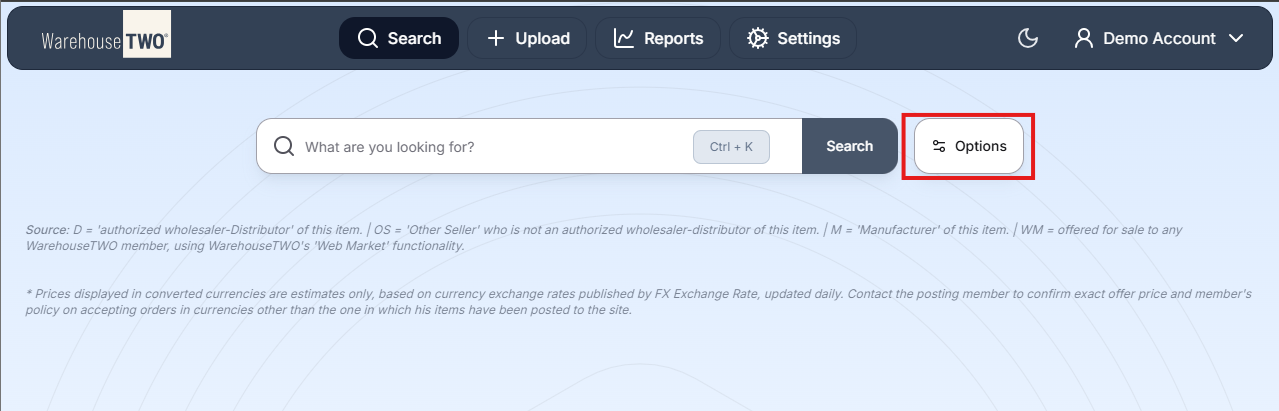
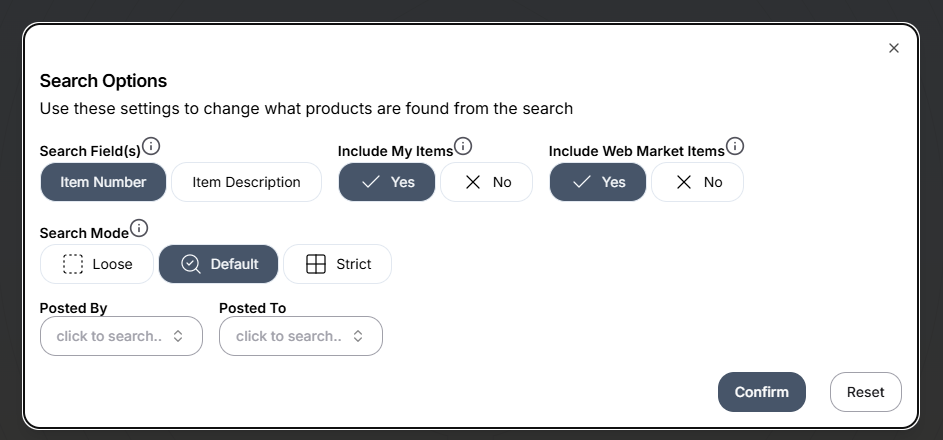
Search Options allow users to further refine the results brought back from a product search. Access the Search Options by selecting the “Options” button located to the right of the Search Bar.
From there, a dialog window will open allowing users to engage with the options outlined below
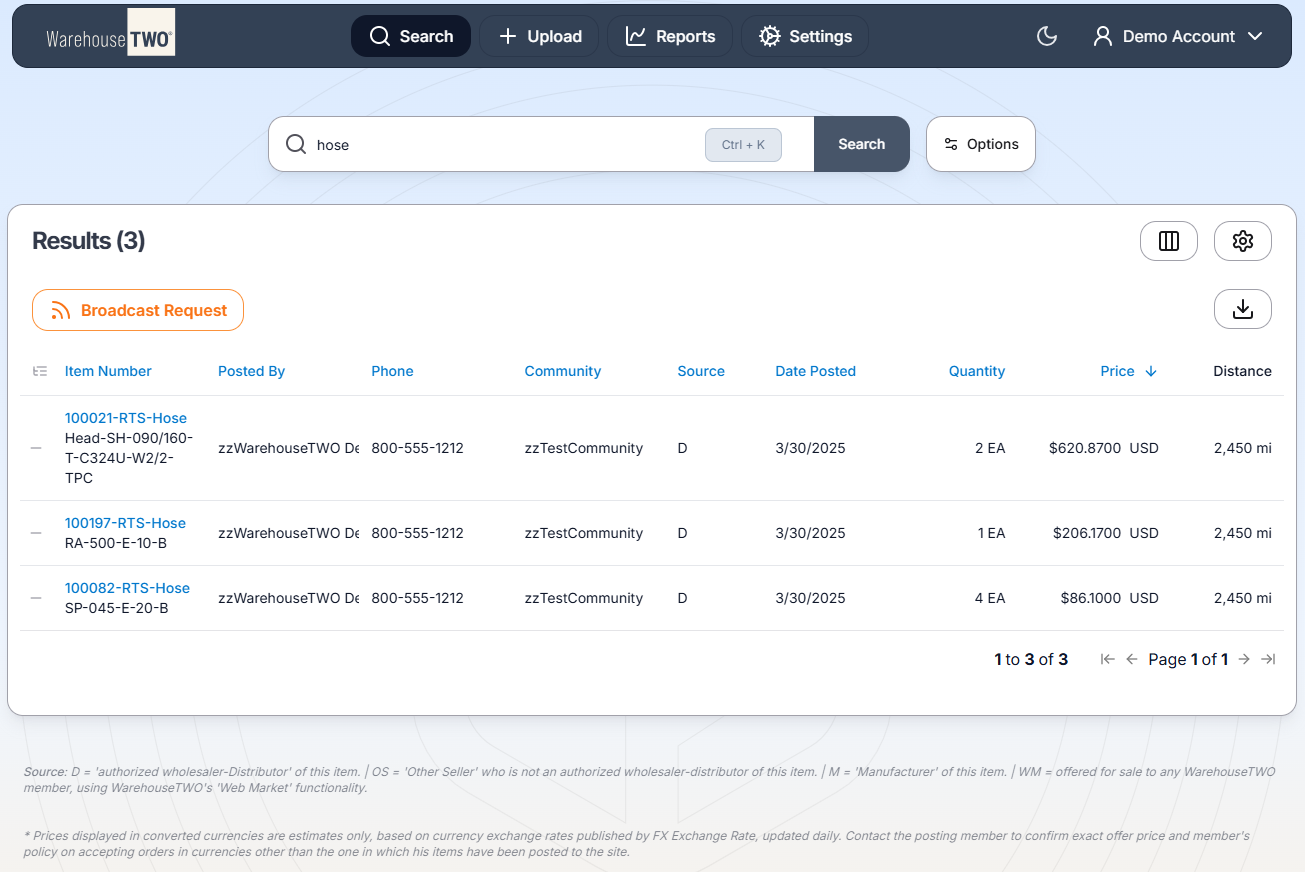
Search Results
Displayed after a search attempt has been made by the user
Item Detail
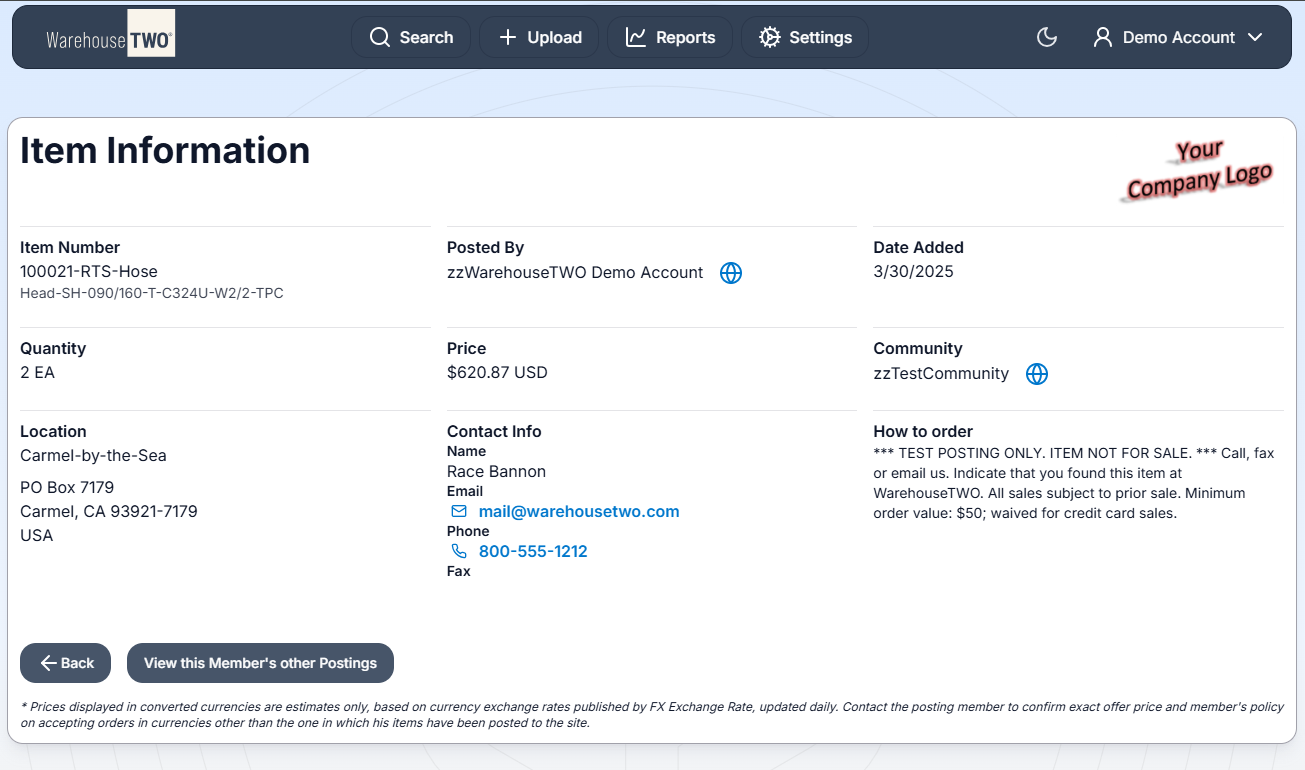
When an item is selected, users can view the Item Information page which includes additional information like the seller’s location, contact info, and how to order
Search Result Columns
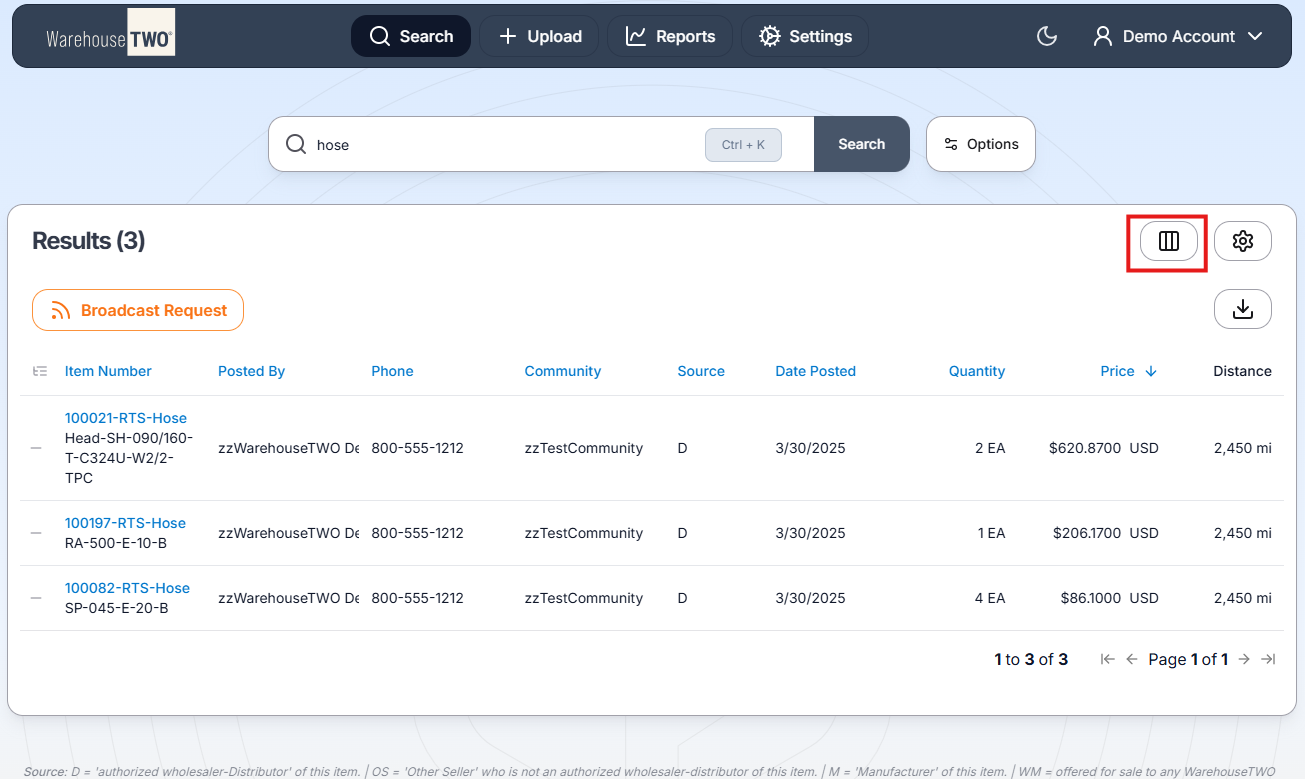
Allows users to adjust the column visibility and order of the data in the result table. Access the Column Picker by selecting the Column Picker button highlighted below
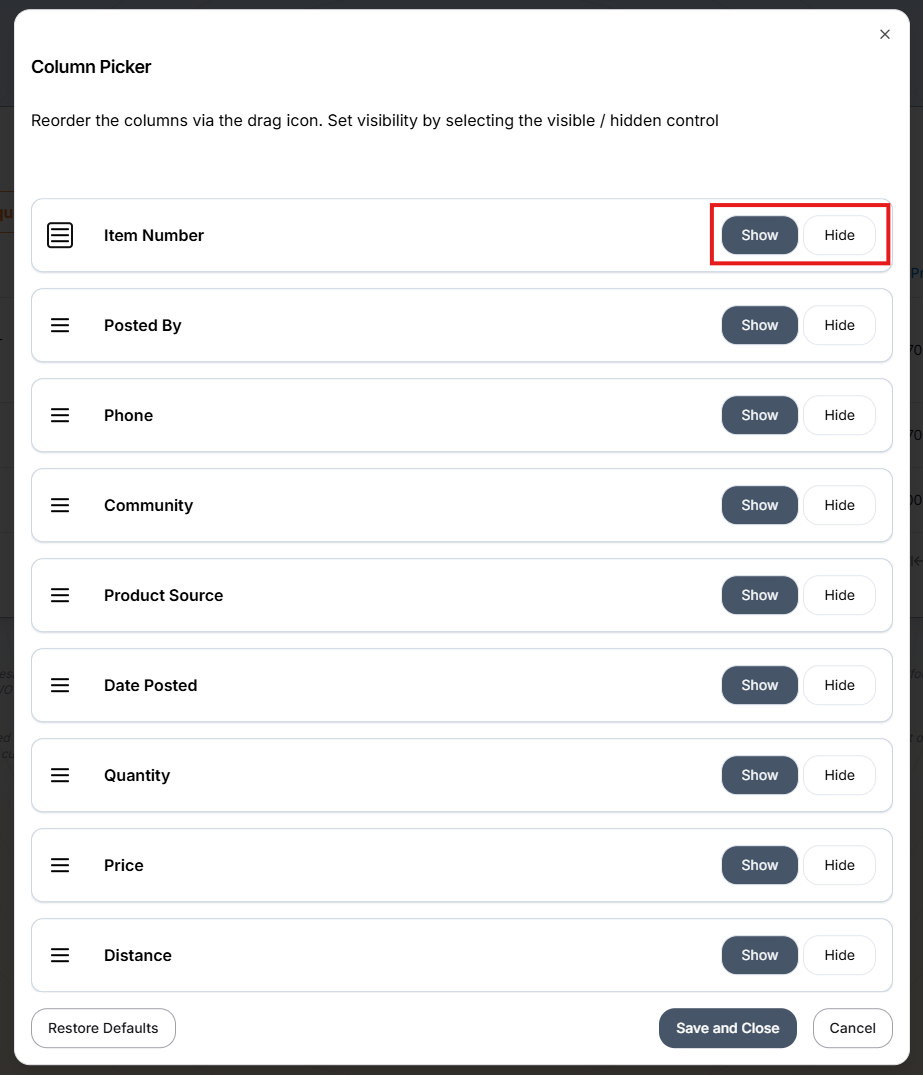
The Column Picker modal will allow users to Show or Hide the information/columns on the Results screen
Search Result Options
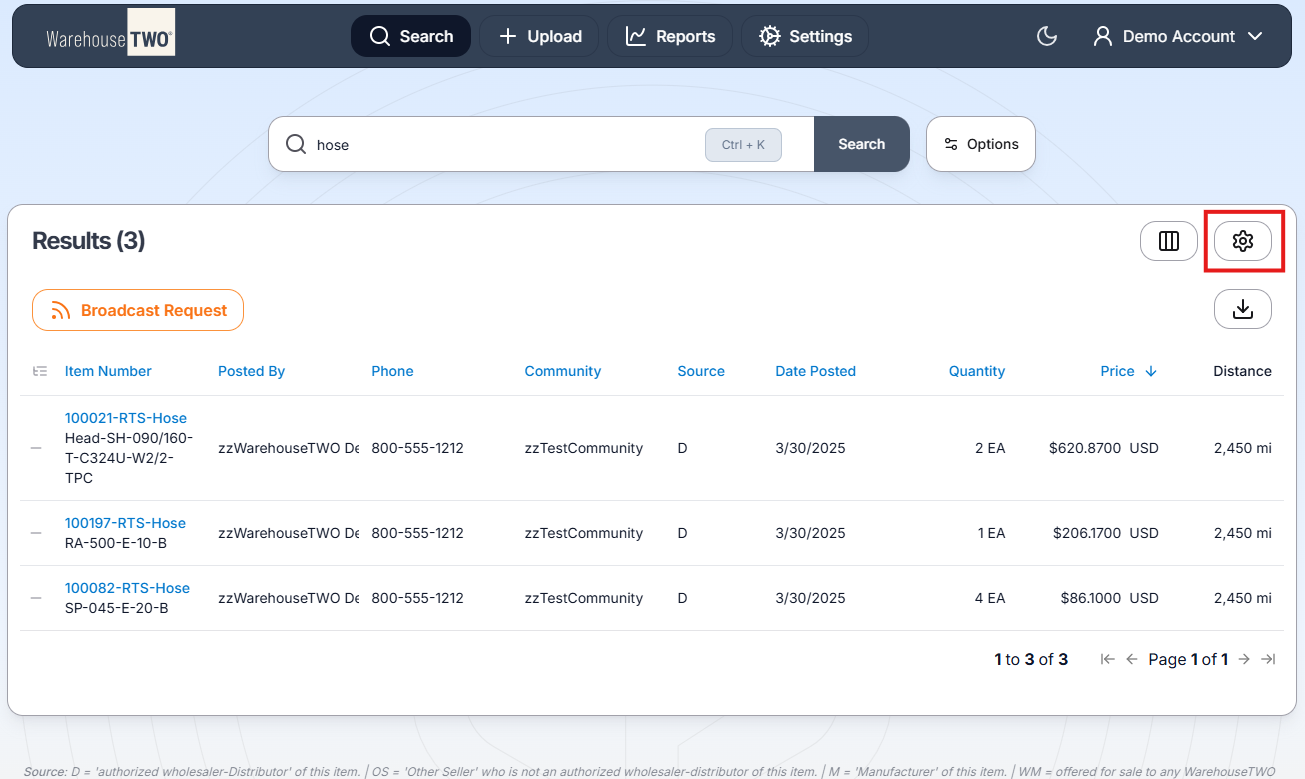
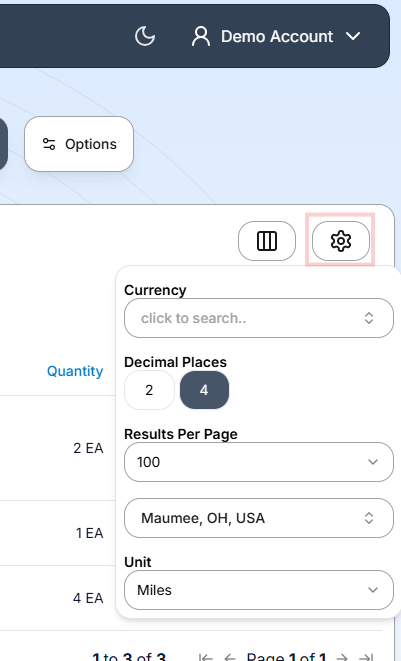
Result options change how the data in the results table is displayed. Users can adjust the result options by selecting the gear icon, located above the result table
Selecting the gear icon will open a pop up menu with options described below
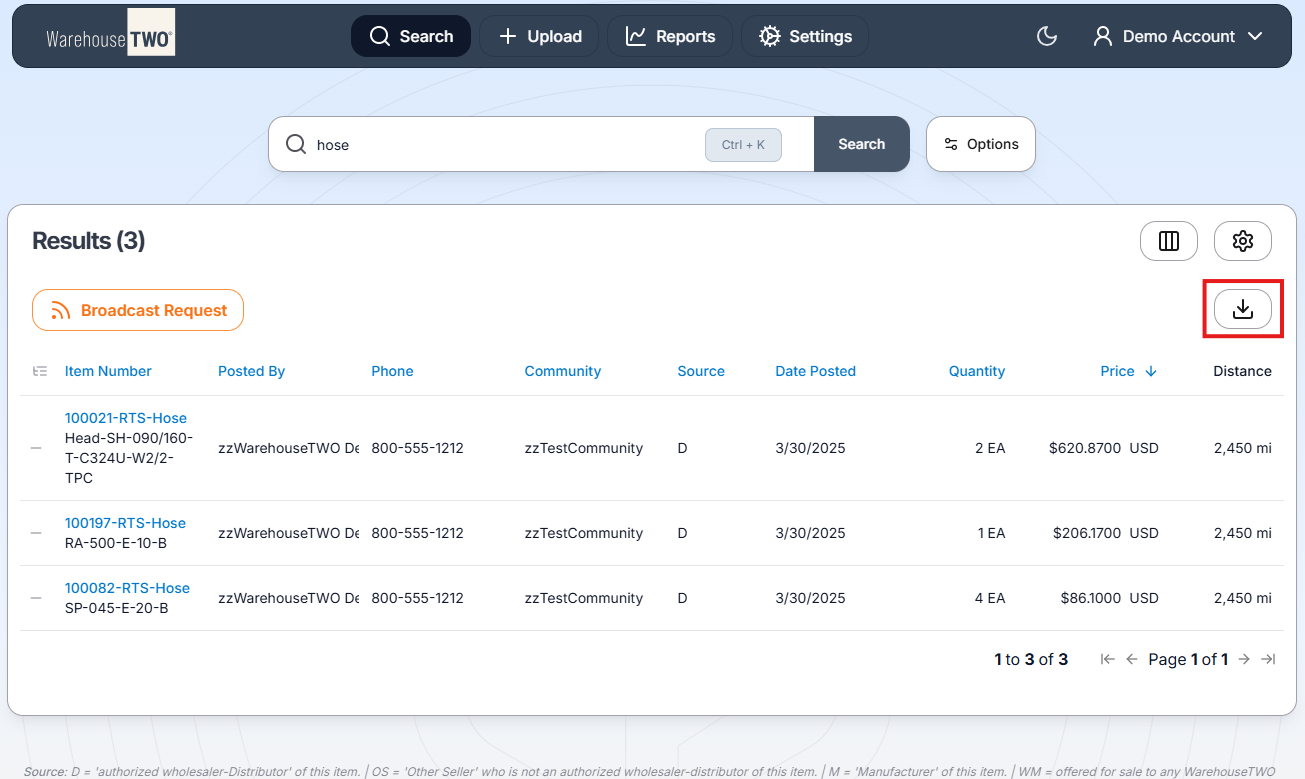
Exporting the Search Results
Users can export the search results by selecting the Export option beneath the gear/Settings icon
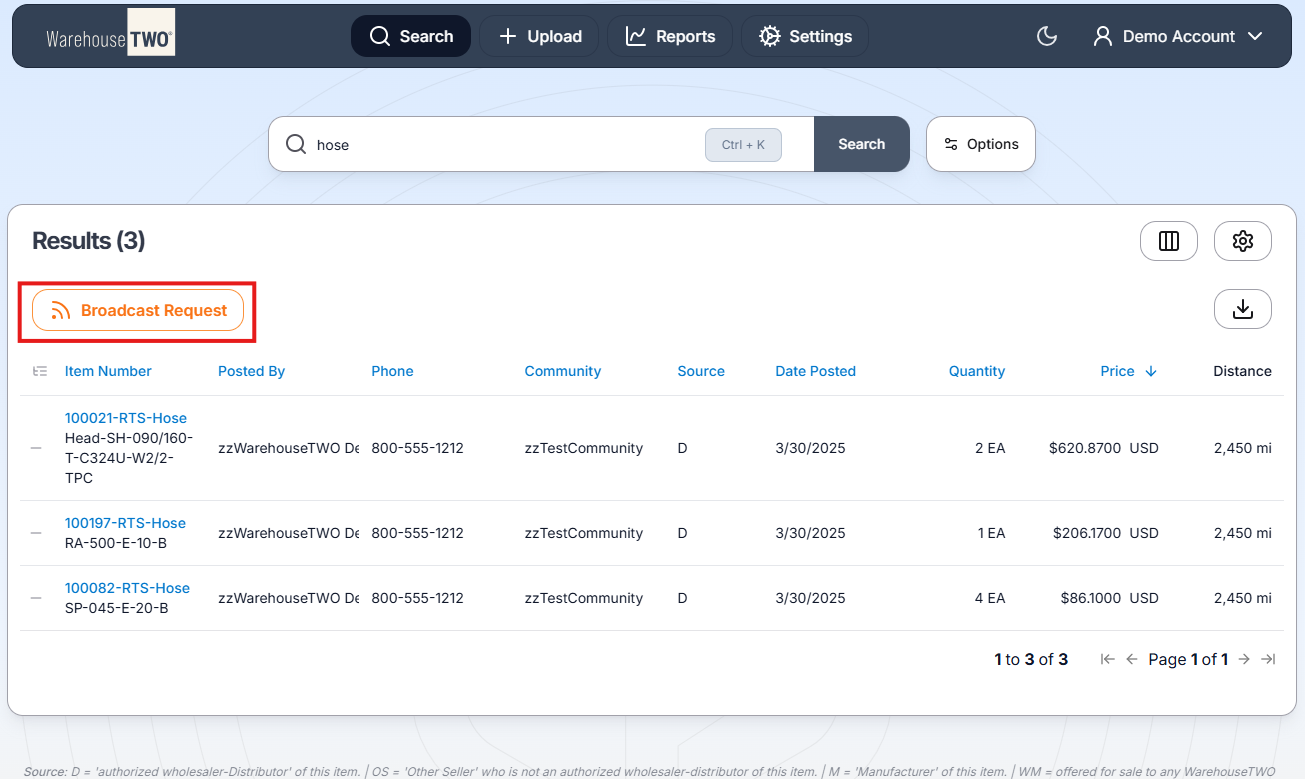
Broadcast Request
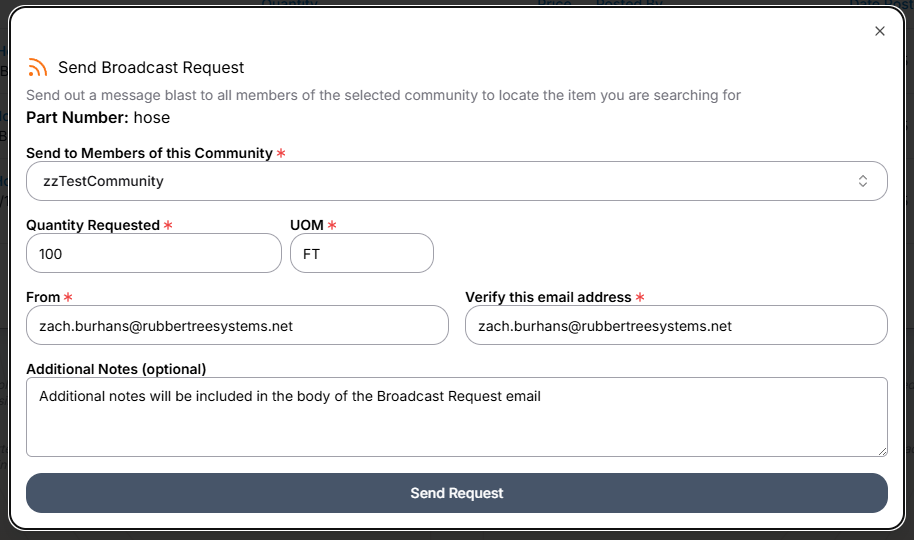
Broadcast Request allows users to send an email request for a required item to all members of a selected inventory-sharing Community, including those who have not posted their available inventory to WarehouseTWO
The Broadcast Request Form
Keywords: Search, Settings, Broadcast Request, Data Exports